- Define approved views and the limits of remote observation.
- Keep equipment and emergency decisions with responsible local teams.
- Maintain an available primary contact and backup for every shift.
Set a clear boundary for the service
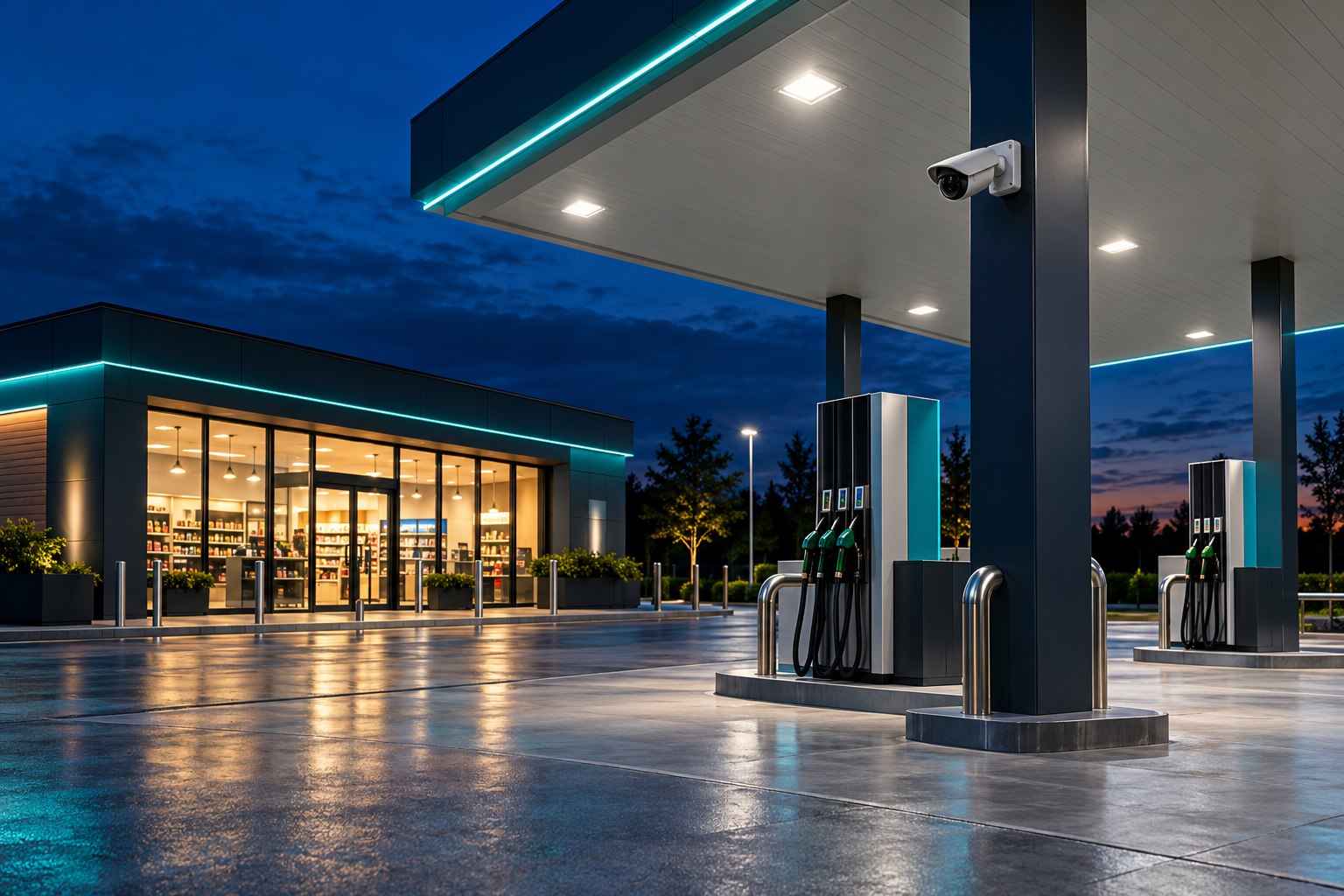
A remote monitoring plan for a petrol or gas station should begin with a precise description of the service. Identify which approved camera views will be observed, during which periods, and what information the site contact needs. Keep the scope tied to visible activity and an agreed reporting process.
Monitexa provides human-led observation, verification within the approved scope, contact according to a written plan and reporting. That role does not replace trained local staff, equipment controls or emergency responders. Make these responsibilities explicit so nobody assumes an observer can operate site equipment or provide an on-site response.
Map approved views to familiar site locations
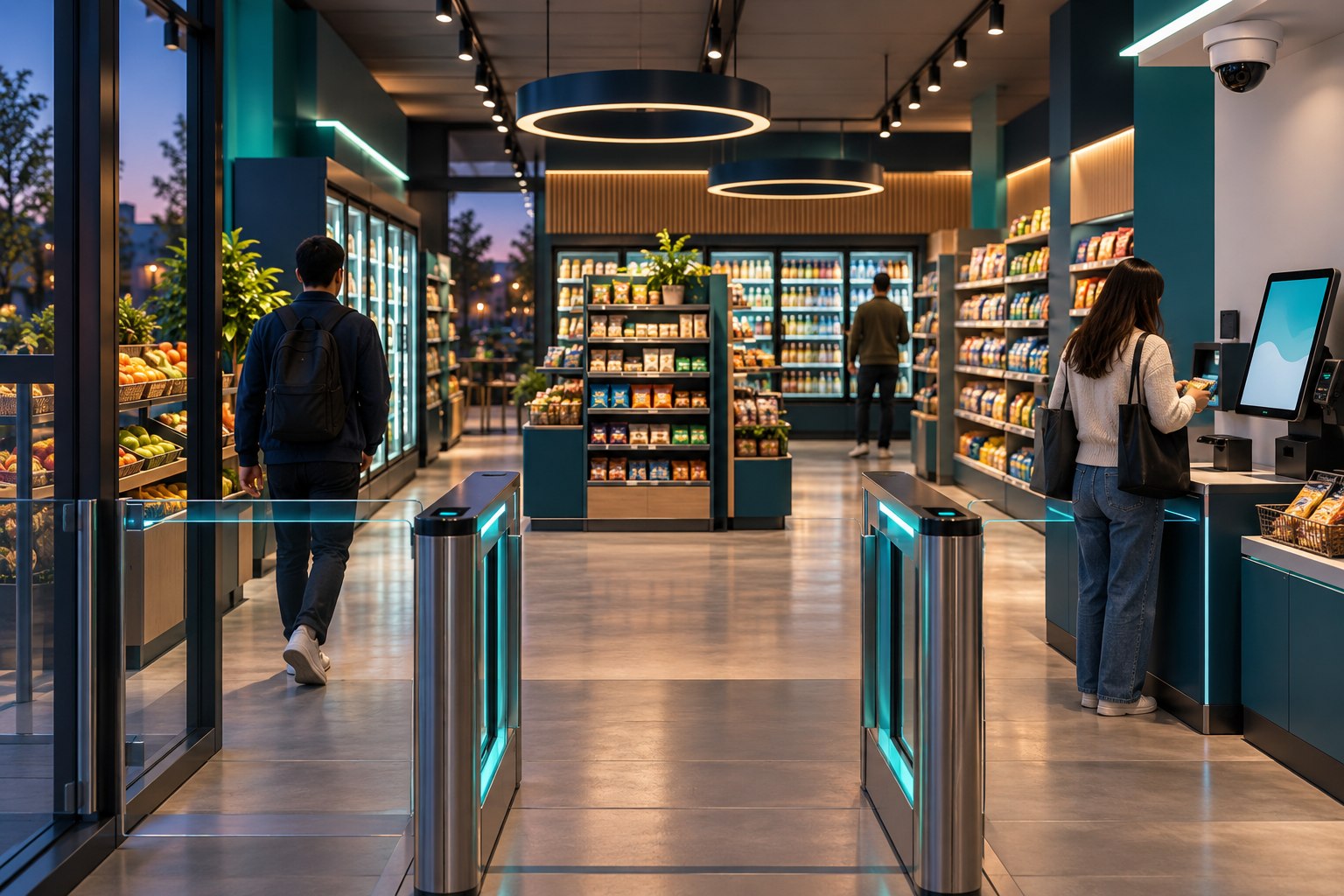
Create a camera list using names the station team already recognizes: shop entrance, vehicle approach, rear service door or a particular forecourt view. Check that each label points to the intended image. Where similar views exist, include enough location detail to prevent confusion during a call.
For each approved view, describe its observation purpose and visible limits. A wide view may help locate activity without showing the details needed to explain it. Note where vehicles, structures or other obstructions can block the image, and avoid assigning a task that requires visibility the camera does not provide.
Write instructions around observable activity
Build instructions from the site's operating plan. Examples might include activity at a closed shop entrance, an unexpected visit to an approved rear-door view or a vehicle remaining in a designated area beyond a site-defined check point. The site should decide which observations require contact and which belong in a routine report.
Avoid asking observers to diagnose equipment conditions, interpret fuel handling or decide whether an emergency exists from an incomplete image. When an observation raises a question outside the monitoring scope, the written contact plan should route it to the designated trained person or responsible local team.
Design the handoff before the first shift
List a primary contact and a backup for every monitoring period. Include their availability and the next agreed step if they cannot be reached. A station with changing shifts needs a reliable way to update the active contact, including during breaks, holidays and temporary staffing changes.
Define the information included in a notification: site name, view name, observation time, visible activity and any confirmation already obtained. The site's trained staff and emergency responders handle emergencies and equipment decisions under the site's own procedures. Remote monitoring should never be presented as a guarantee of prevention or automatic emergency dispatch.
Account for ordinary operating exceptions
Scheduled servicing, deliveries, cleaning and shop opening changes can make ordinary activity look unexpected. Give the monitoring team a concise way to receive approved schedule exceptions. Record the relevant period and location, together with a contact who can confirm the arrangement if the observed activity does not match the note.
Do not turn an exception into unrestricted permission. A scheduled visitor at one location does not explain every event across the site. Instructions should state what has been confirmed and leave other observations subject to the normal plan. Remove expired exceptions so yesterday's visit does not become tomorrow's assumption.
Check whether the reports support decisions
Review an initial sample of reports with the station team. Check whether descriptions are clear, contacts were reached and unresolved questions are identified. If a report repeatedly lacks useful detail, revisit the view or the observation objective before adding more instructions to the same unsuitable image.
Choose live observation or playback review according to when information is needed. Define the approved views, coverage periods and reporting expectations, then consult current pricing information. Review the plan after staffing, camera or operating changes. A practical service depends on clear observation boundaries and people prepared to receive the handoff.